

I have been using KDE via Kubuntu for about 2 years now, other distros with Gnome before that. Based upon the name (KDE Advanced Text Editor, K.A.T.E.) I always thought of Kate as an alternative to Notepad++ or something like that. Like a highend note-taking app.
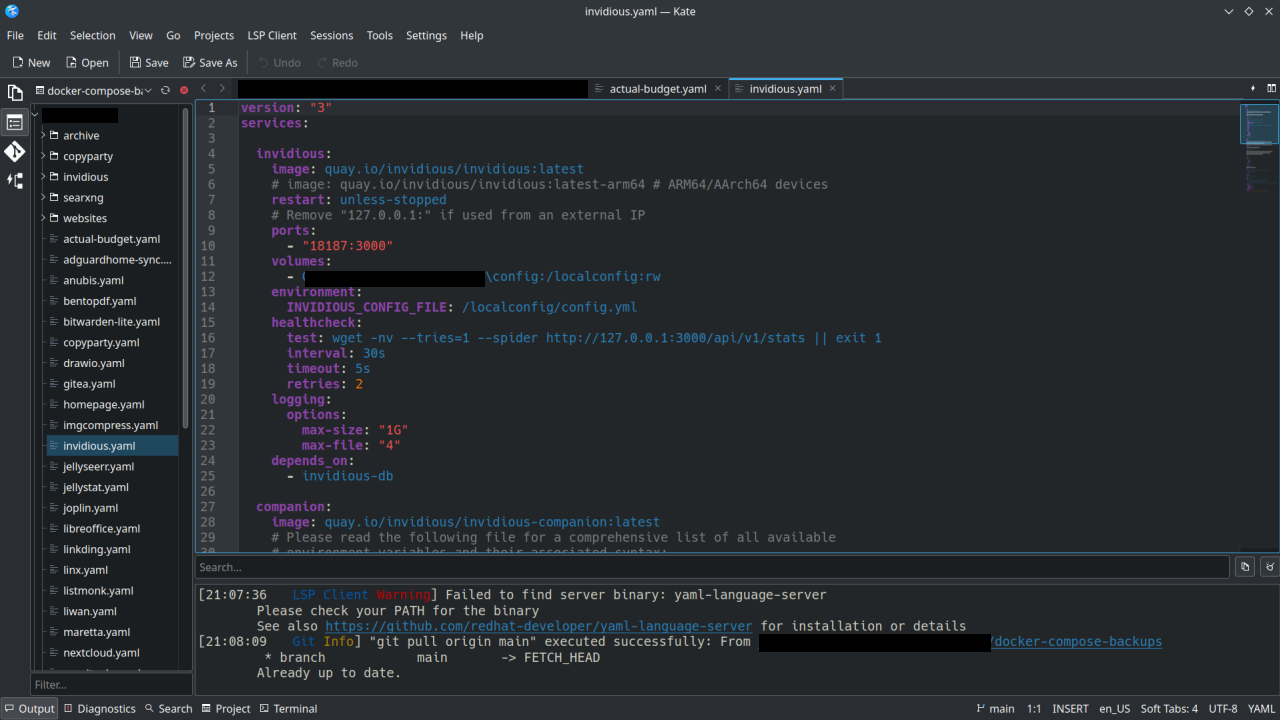
I recently started using Kate for managing my Docker-Compose yaml files on my homelab, using the Git functionality to sync to my repos and doing some web development. It’s basically an alternative to VSCode or Codium.
Thanks to the devs who work on Kate . If you don’t hear it enough we appreciate you!
One thing I miss from Notepad++ that I’ve never found in a Linux text editor is the ability to just open it and type stuff and it stays there even if you close it and open it again.
I have a tiny program/script that creates a file in a folder underneath
~/.local/sharewith basically just a timestamp in the file name and then it opens it in Kate. Certainly somewhat of a workaround, but it works quite well for me.What does the workflow look like for that? Do you run it in the terminal each time, or do you bind it to a keyboard combo or have an icon on your dock/taskbar or something?
Well, I have it bound to
Super+X, but you could do any of those. I just create a .desktop file for it and then it can be used like a normal application. And well, it is intentionally built so you don’t have to pass command-line flags or see the command output for creating the file.So, this is the program I use: https://codeberg.org/trem/jot
It has basically three larger features, which is adding a file, removing empty files (because you sometimes might end up creating a file, but not using it) and then searching through empty files.
Honestly, none of these are particularly difficult to throw together in a Bash script yourself, if you don’t feel like using a random program off the internet.
Basically, for adding a file, this is a crappy version of it:
data_dir="$HOME/.local/share/notes"
mkdir -p $data_dir
date=$(date +%s)
file_name="$data_dir/${date}.md"
touch $file_name
xdg-open $file_name
And for searching through the created files,
grep -iR -C2 $data_diris virtually just as good, too. 🫠Have you tried using the Sessions feature in Kate? It allows you to pick up where you left off, even between multiple projects.
I haven’t! But the main advantage of the Notepad++ way is the files aren’t actually saved anywhere, it saves them temporarily until you choose where to properly save them. You can just keep opening new tabs and putting stuff in them and it remembers even if closed, but you don’t have to actually save them.
@Dave @yodeljunkmanenvy
Yup, the Sessions feature can do that for you. I do the same thing. #Kate #KDE #Linux