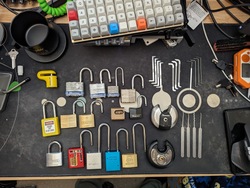
Here’s my beautiful unemployed-for-too-long-have-no-money-dont-care-about-looks lab :)

Hey it’s more than good enough to run all this ¯_(ツ)_/¯

Two rack rails bolted together with a power strip and a tray holding my server mini PC. My router is bolted on as well to act as a switch for everything while also providing Wifi to my phone and laptop

My janky homelab lol. Mostly ebay secondhand Enterprise stuff and a Chinese SXM2 mezzanine board to run dual NVLinked 16gb V100s. I also have a TrueNAS Sacle mini itx server running upstairs with my “arr” stack and some other useful tools.


I think your servers are missing some walls.
I jest.
“the front fell off?!”
They’ve been temporarily removed for about a year now lol
You can bolt whatever you want on those. My friend made his gaming rig like that and the sides are cardboard from his grandparent’s adult diaper boxes.
OK you’ll be able to tell I haven’t bought a graphics card in a while, so…wtf kind of graphics card is that? It’s manly for sure…almost phallic in nature. What do you do with it besides ‘Any ting you wan’.
looks like an older nvidia workstation card. potentially a tesla k80 of the top of my head? the annoying thing with those cards is that they’re meant to be passively cooled in a temperature controlled environment, so looks like they added a fan to help keep it cool. those cards get mad hot otherwise.
I’m actually quite happy with it. It’s a 24gb p40 which runs some of the older LLMs quite well. Repasting with liquid metal helped thermals a ton too
It’s a Tesla P40 24gb I got off eBay a while ago. Just like AllHailTheSheep suggested, it’s a server GPU meant for compute workflows so it relies on forced air from a server rack. I repasted the die with liquid metal and added a 3d printed duct to attach the radial blower to. The thing never cracks 60c under inference which is nice. Idles around 24c
(Edit: I’m mostly using it for LLMs, but it supposedly makes a good CAD card, so I might give that a shot too)
I’ve wanted to make frames like that but those aluminum extrusions are so expensive here. I’m tempted to just get stainless square tube and weld it. The welder would appreciate getting dusted off and receiving the attention.
Now that looks like a lab :)
Thank you 🥹 It’s been quite the experience lol
 Here my homelab.
I moved not too long ago and I am still lacking some furniture, so it’s on the floor with cables lying wild. Does not look like much but it actually covers almost all my needs.
I still need a VPS because of email ports and resident ISP not being compatible…
Here my homelab.
I moved not too long ago and I am still lacking some furniture, so it’s on the floor with cables lying wild. Does not look like much but it actually covers almost all my needs.
I still need a VPS because of email ports and resident ISP not being compatible…Not going to lie, I got excited for the first half of that sentance.
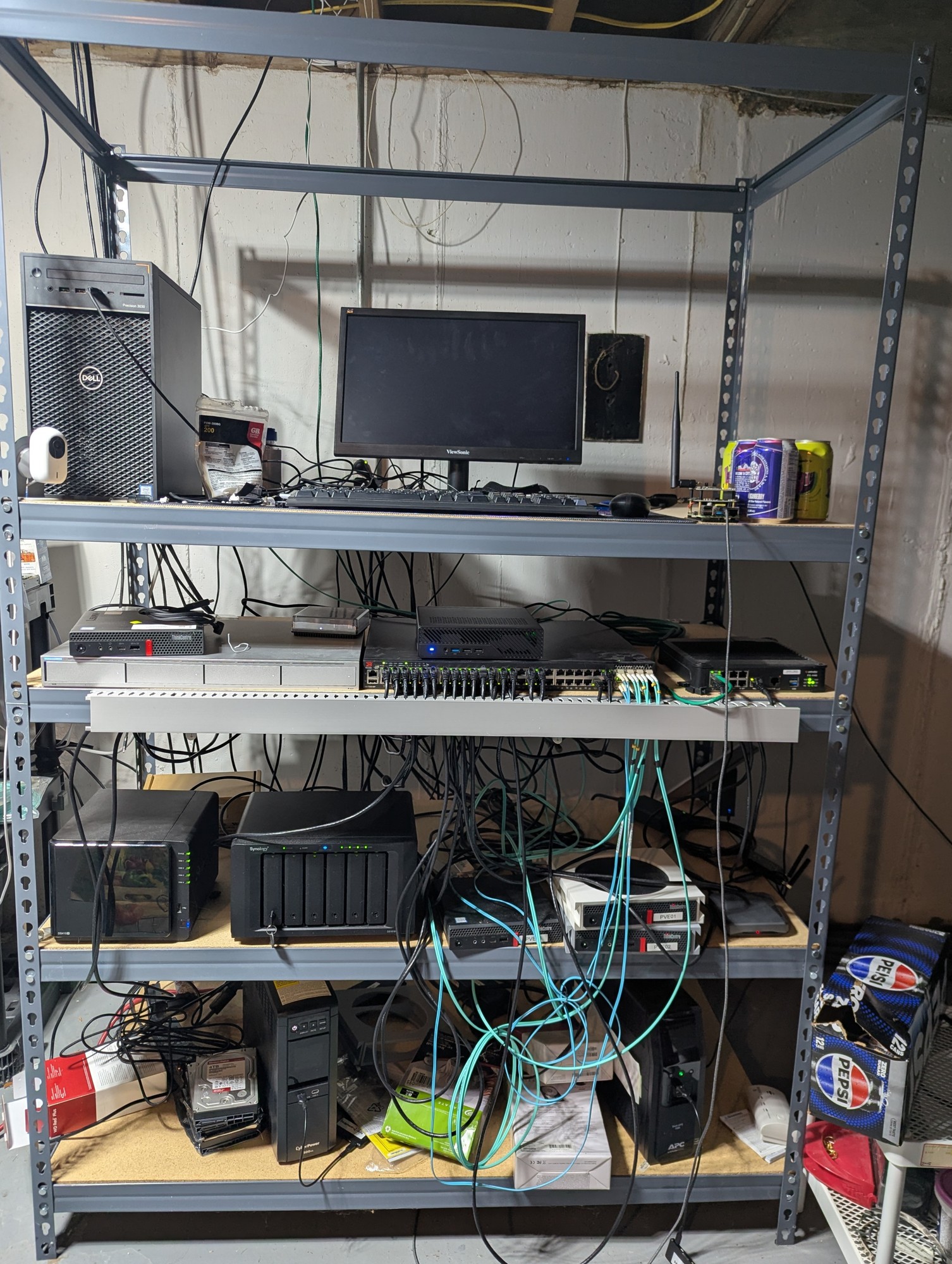
A little late to the party, but here’s mine.
Love it.
Oh yeah, now that’s a HOMElab
What are the specs on that pepsi box? How’s it handle the load???
It’s only the mini Pepsi cans iirc, so they aren’t as load bearing as I’d like. God willing, I’ll upgrade to fanta boxes one day.
Such professional. Much clean.

Not pictured: my raspberry running adguard. It’s tucked behind a TV, because it also runs Kodi.
That 95% unused switch 😱
Such electricity waste. Much unclean.
The used 48 port was cheaper than the used 24 port.
You call it waste, I call it reuse.
But you seem to only need a 8 port at most 🤯
It is a MANAGED switch, my guy. A simple 8 port switch would not work here.
I have multiple VLANs running.
Also, one of those connections is a 10gbe DAC to the big machine which is my NAS and main server.
Not too many 8 port managed switches out there with an sfp+ 10gbe port for 50 bucks, which is what I paid for that Brocade switch in my picture.
But hey, if you feel like buying one for me, I’ll happily take it, and start using it instead.
Not too many 8 port managed switches out there with an sfp+ 10gbe port for 50 bucks
Easy to get these days actually, with 10gbit sfp+ and 8x 2.5gbit, managed switches. About $60.
But my actual argument was that your 48 port switch eats electricity like crazy. That aint a cheap switch at all.
The only brand new, 10gbe managed switches that I can find for less than 60 bucks are off-brand chinese junk. No thank you.
As far as electricity cost goes? After doing that math, it might cost me a dollar fifty a year to use. That machine sitting on the bottom is a much bigger chunk than the switch itself, as it has 6 7200rpm SAS drives in it. Plus it’s a Xeon E3 CPU.
Those drives, each, use as much electricity as that switch does, even before considering the CPU itself.
It looks much better than I have. My current infrastructure is built upon a set of mostly obsolete devices: Intel Atom 230 and 330 used processors. Also, SBCs: a few Raspberry Pi 2Bs, and a few Orange Pi Zeros (the very first gen, 32-bit). They are spread among different locations (office, relatives, home), and if I’d get a side gig job with the next company, I may deploy a couple of used computers for them too. So there’s not much to picture, but it looks much worse than this.
Also, is it a Surface on the left? I almost sure it is! I’ve bought 3RT (obsolete slow model) two weeks ago. It’s piece of shit hardware, but the concept of a Linux tablet / laptop for cheap (I buy used) is beautiful, so I’m considering getting one more modern model at some later point. I guess when my battery would be in a poor condition. It’s a great device for sshing, at the very least.
That’s the spirit, re-using “obsolete” stuff that is so not obsolete. And yes, good eye, it’s a Surface Pro 7 on Ubuntu on the left ;)
@northernlights @selfhosted “re-using obsolete hardware that’s not obsolete” - I’m wondering how I could use my old (still working) macbook air, and my old Time Capsule. Instead of experimenting home lab with a new mini-pc, I was wondering if those 2 machines can be used somehow.
To be precise: I’m totally blind so I’d need at least something with audio or Braille working at boot, or right after. Such as BRLTTY running to set everything up and having then the machine being usable via ssh.As for Linux on Apple computers of that time, if i’m not mistaken, they’re i386? So probably someone hacked that together. As to needing a system that works for blind people, I have no experience in that area, but if the tools you need are available on Linux, then they are.
Built a year ago, didn’t change anything but drives since. PCengine APU OpnSense, two Proxmox cluster hosts, one mini PC NAS with JBOD. All DIY.

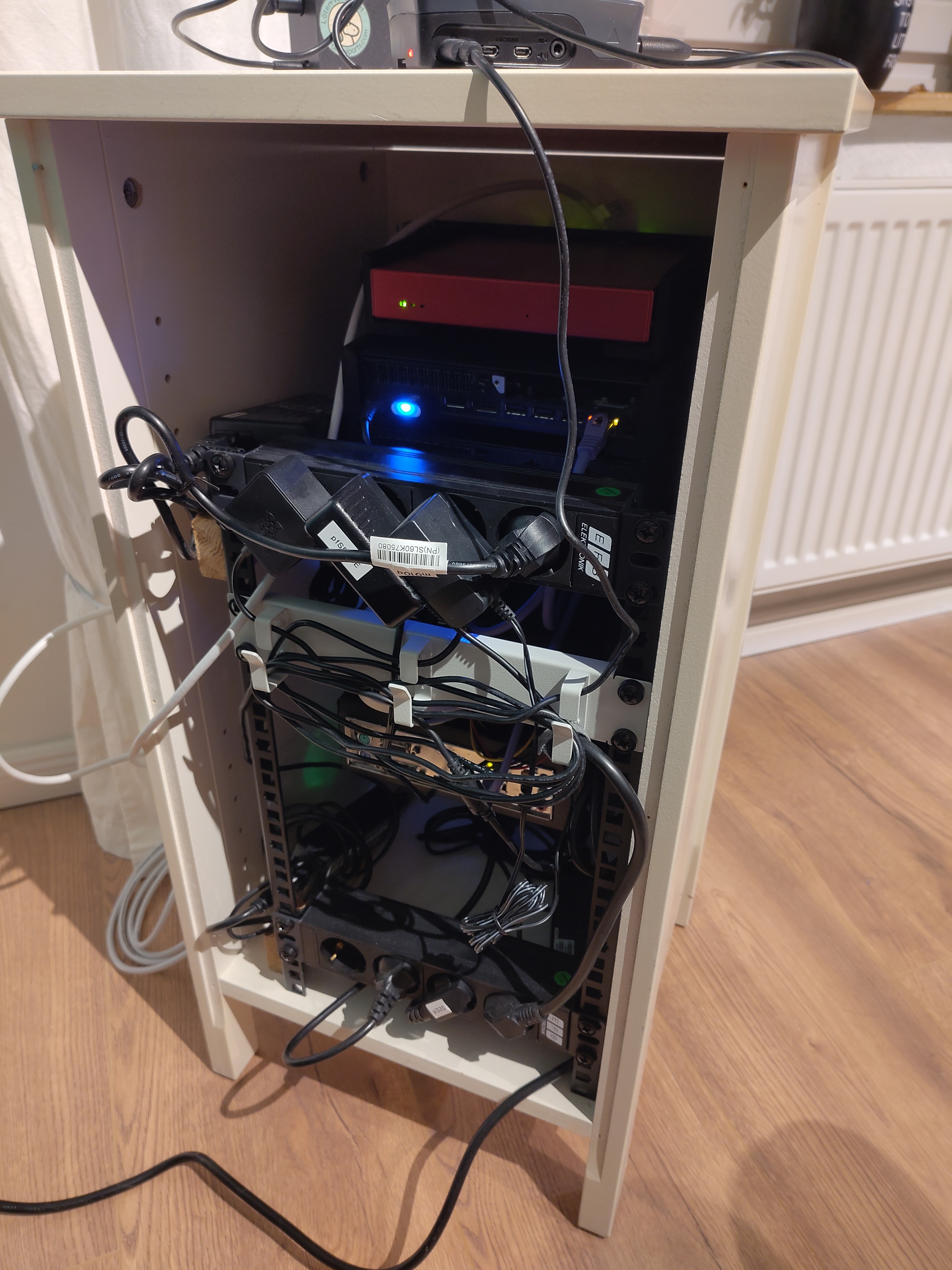
Way too professional looking for this thread.
Also, you got a link to that sticker? Maybe I’ll add that as an ironic reminder to my “Kabelsalat” 😅
I think I missed the irony 🙈
It’s from Kaoskvlt
I’ve seen that one before!
What’s that web interface thing? Is it home made? I keep thinking about doing something like that to save me having to remember port numbers for the different services on my home server.
It’s just heimdall.
people put too much “lab” and not enough “home” in homelab. we need more dust, more cables, more jank. love this.
When did people start using the term ‘lab’ for this sort of thing, and why?
I think because it lets them see themselves as scientists or so
more dust
Believe it or not I cleaned before taking the pic lol
I had a dusty laptop running a homelab for you, and figured I should show something nice on the screen. Then, I typed in my password like an idiot. Not gonna put that online. :(
How dejected could you be when you can bring someone such joy?
That desk is about a million times cleaner than mine.
This is the best thread so far. Really enjoying seeing peoples setups! Thanks @northernlights@lemmy.today !
Dust and jank you say? Behold, my old basement homelab when I rented just outside Boston with a very permissive landlord who agreed to let me have Comcast gig pro fiber pulled into the basement, running off an outlet I installed without asking on a free slot in our breaker box. The dust was terrible, the rack was a hodge podge, I had to put up that sign because maintenance guys kept plugging their power tools into the UPS when I wasn’t around and tripping it. But Comcast fucked up the billing and the 2gig + 1gig symmetric internet is still active to this day for free, which I left behind minimally working for the next tenants after parting out the rack. The tower by the side was a friend who wanted to colocate on my fiber, and I had some fun stuff like a slide out vga console. I also pulled Ethernet into every room, most of them installed with nice wall plates all bundled down to the rack, so with a house full of gamers, you could have multiple people pulling a gig on a game download without anyone stepping on anyone else’s toes.

Very nice. You guys with all the toys. I bet she’s fun tho.
Dang that’s the dream. Never move out :D
This guy home labs 😂
Hard-drives deserve to be free to their cases! Free the drives!
mine is 3 old laptops and a switch in a pile
honestly the cable management is ok … ish
What is the browser window showing?
Projects that im running:
General Web server out of junk
Old system 76 machine from a while back. Its what is running a majority of my services for self hosting. Only one screw keeps the case together, since I get into the insides quite often.
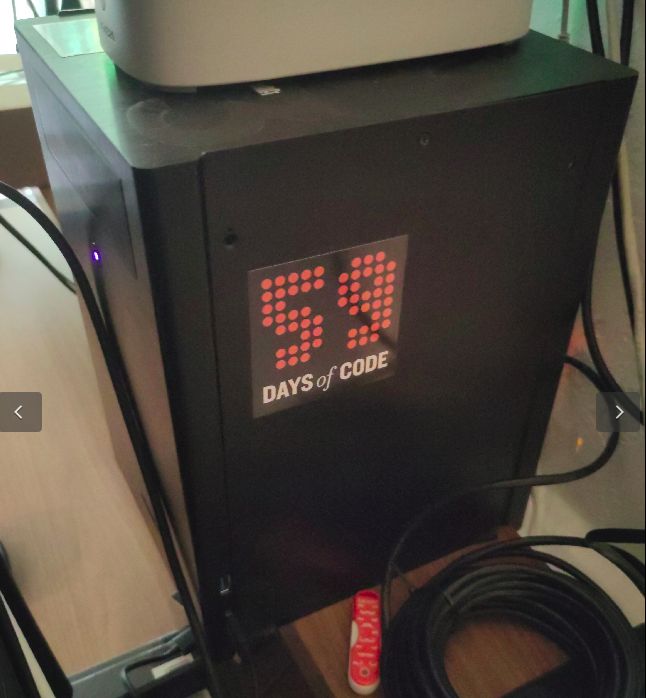
Solar powered web server on a phone
Solar powered web server. Its going to be repurposed into a meshtastic node soon.
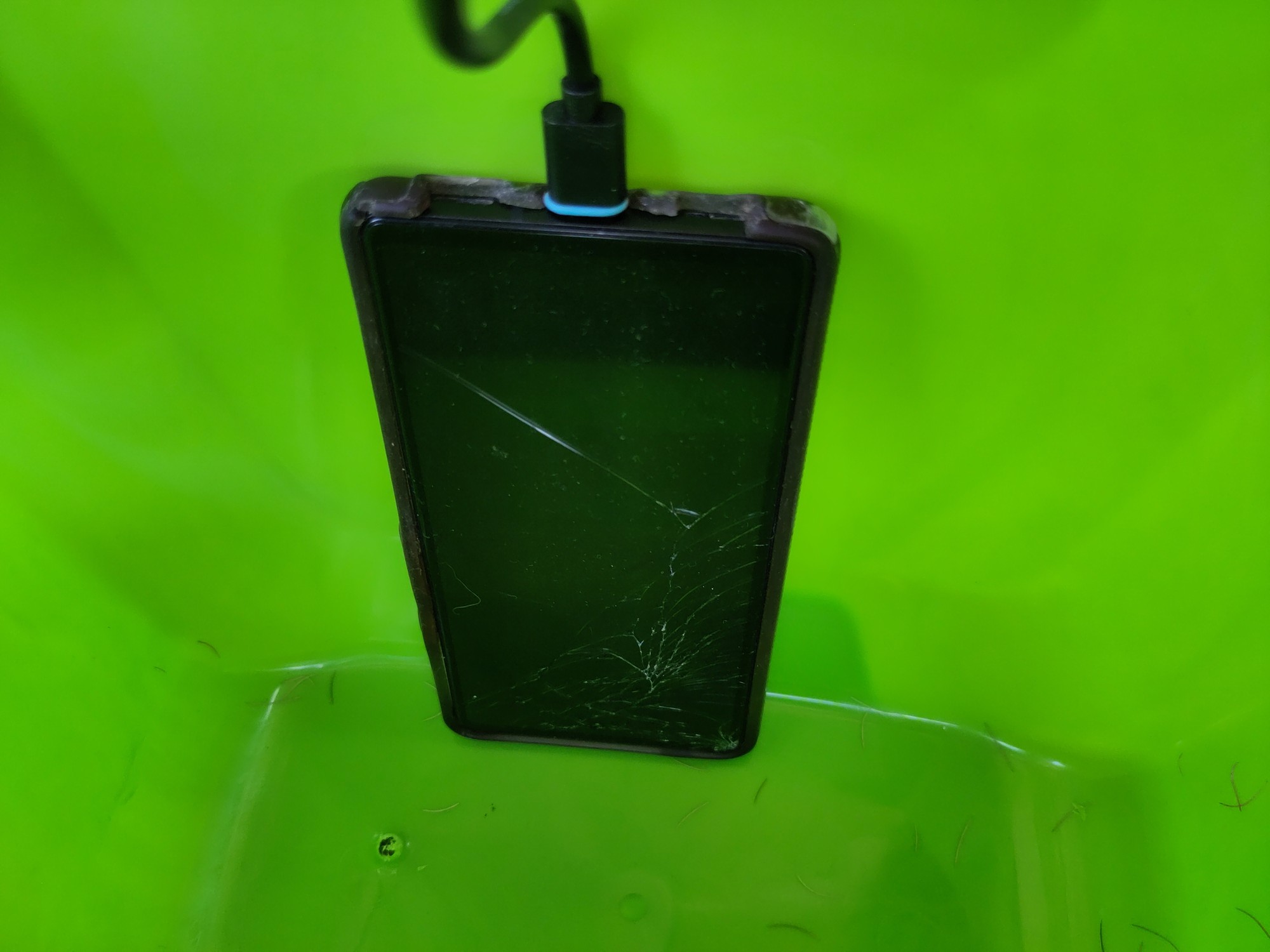
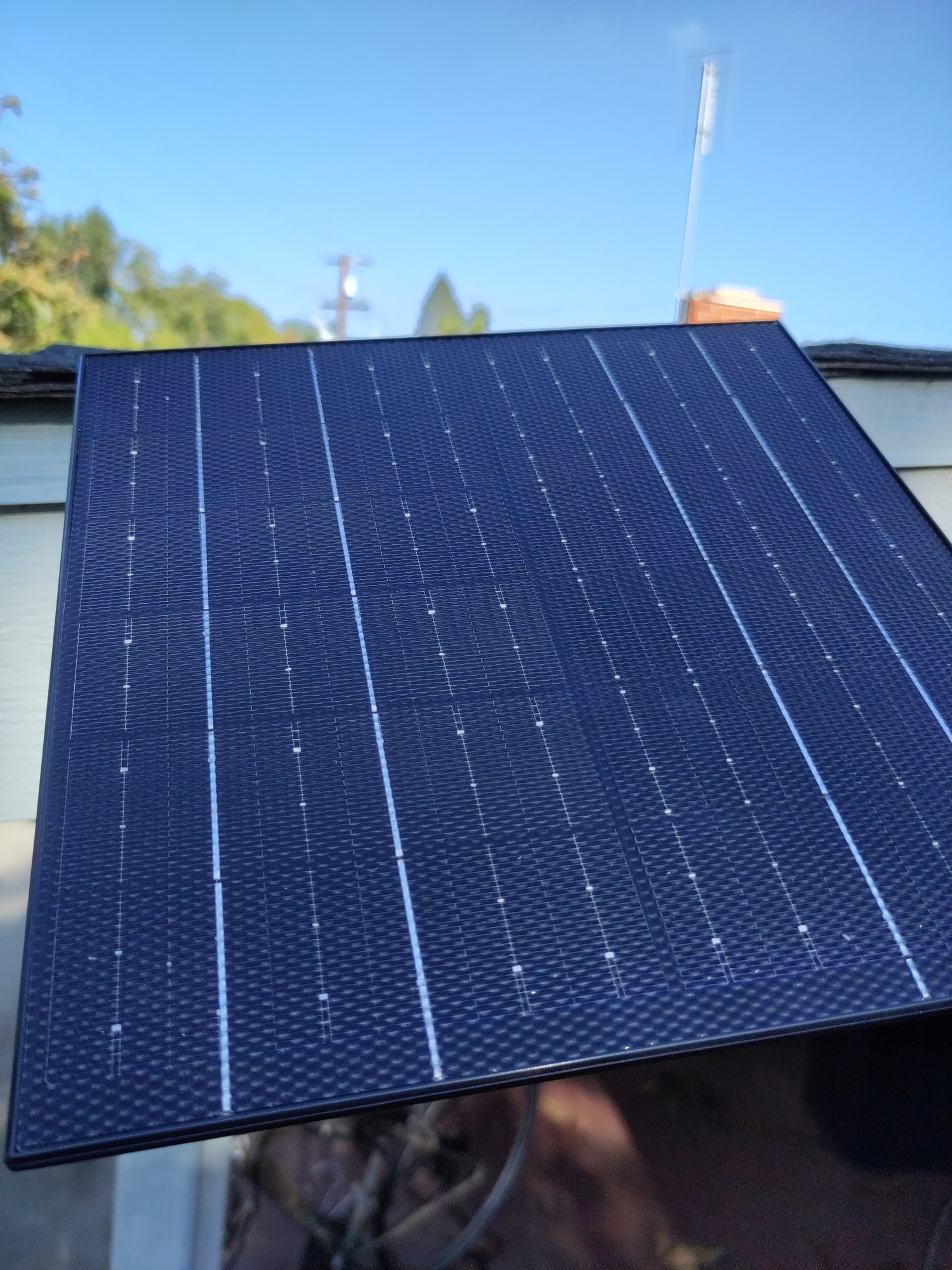
Ebook reader on a heltek v3
Somewhat jank setup of a heltek which is also an ebook reader. It runs a webserver to upload the book in txt format, then I can take it on the go. I still have to do some work on the text.

That ebook reader is wild! Does the text stay in place while you read, or does it scroll past like a stock ticker?
If the latter doesn’t exist, I guess I should go push a PR to make that happen on meshcore firmware haha
Stays in place. It was a weekend project so I still need to do some work on the text in particular. Im not sure if ill go any farther, but the code is here if you want to take a look.
Now that’s a crafty homelab, love it
The best homelab is the one you already have.
The second best is the one you want to buy :D
Is that a PI in your setup?
Yeah it’s just haproxy + uptime kuma
Old system 76 machine from a while back. Its what is running a majority of my services for self hosting. Only one screw keeps the case together, since I get into the insides quite often.
If you get bored and adventurous:
https://en.wikipedia.org/wiki/Computer_case_screws
Computer case screws are the hardware used to secure parts of a PC to the case. Although there are numerous manufacturers of computer cases, they have generally used three thread sizes.
The #6-32 UNC screws are often found on 3.5" hard disk drives and the case’s body to secure the covers. The M3 threaded holes are often found on 5.25" optical disc drives, 3.5" floppy drives, and 2.5" drives. Motherboards and other circuit boards often use a #6-32 UNC standoff. #4-40 UNC thumb screws are often found on the ends of DVI, VGA, serial and parallel connectors.
You might be able to get a box of thumbscrews in the appropriate diameter and go toolless. I’ve had a number of computer cases that ship with those (my current desktop case just uses magnets, doesn’t even have the thumbscrews). I have had a lot of less-than-ideal toolless things in the past, including poorly-designed toolless hard drive mounting stuff that wound up being a lot more work than the traditional tool-requiring stuff, but for the screws that keep the case closed, going toolless has always been a big win for me.
Thats good to know! Although if I am honest, ill probably just repurpose my current desktop that I am using for this conversation and get a new one if I end up re-doing my homeservers again.
Last thing I want to do is more work at home. So these are just “for fun” projects. If im not having fun, I start removing things from the setup.

Not too noisy? I’m curious.
Not at all! I upgraded the heavy lifters case fans to all noctuas, there’s still fan noise but it’s very easily drowned out. Actually the most noise came from my HAL model. Partly sunny days would trigger its sensor and it’d randomly start spewing lines.